How to Train Your Construction Team on AI Without the Pushback
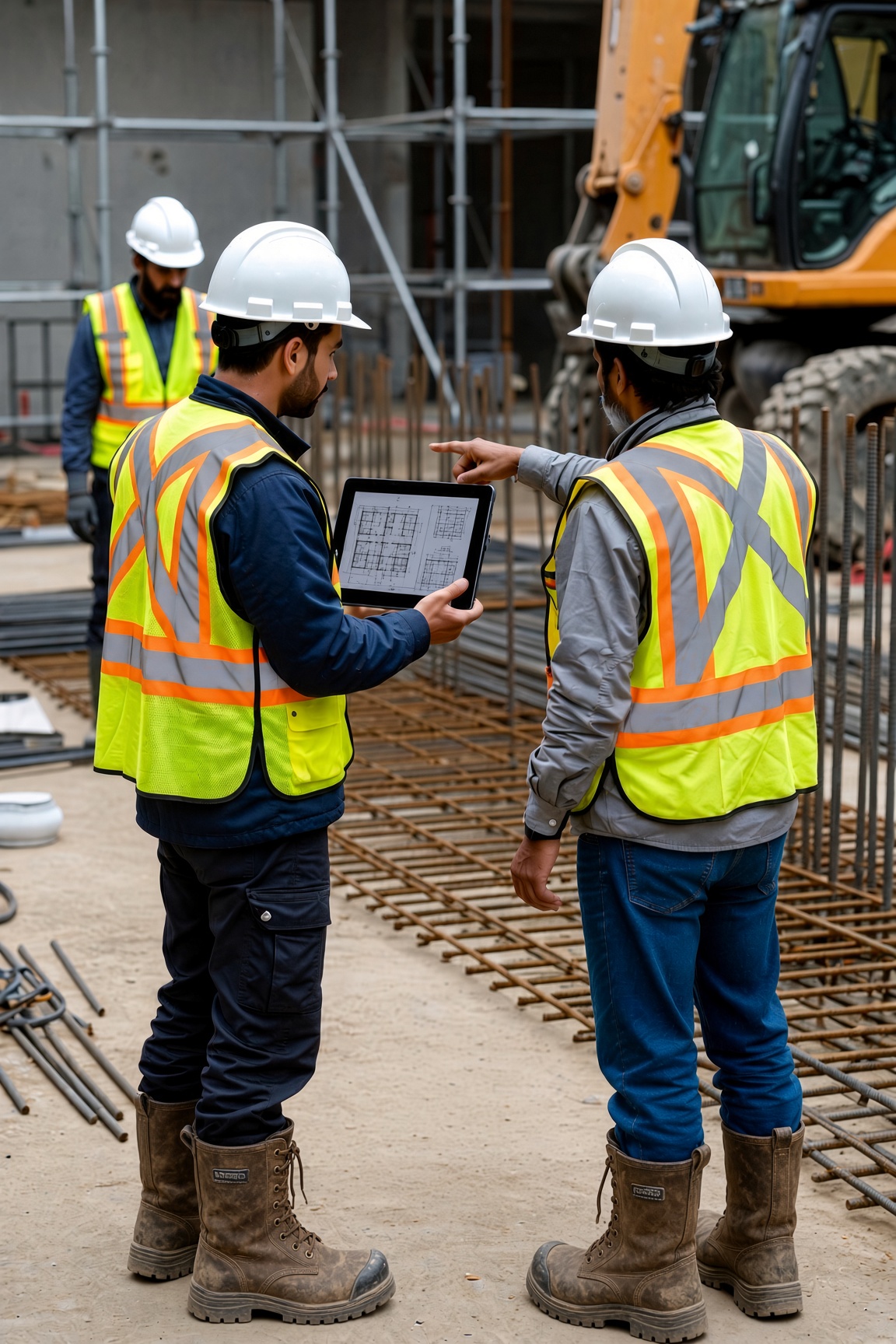
The most common way we see AI adoption fail: you build and test the agent, you demo it for the team, and three weeks later most employees are still doing it the old way. The key component most companies miss has nothing to do with technology or solution and everything to do with how it gets rolled out.
Why construction teams push back on AI
Construction professionals aren't afraid of hard work. They're skeptical of things that look like more work dressed up as less work or fancy technology. If the new system adds steps or creates friction, they'll drop it fast, and for good reason. Every second counts in this industry, and with years of experience, it only makes sense to change when the new approach is 10x better.
They've also sat through enough software rollouts that promised to simplify things, but ended up complicating them. There's also a fear that technology is monitoring them or might one day replace them. If you don't address this directly, the team will unenthusiastically try the tool and come back with all the reasons it will never work.
One bad experience can set the whole rollout back. If someone tries the tool early, gets a bad output, and management responds with frustration instead of curiosity, you've just told everyone else to keep doing it the old way. How you handle failure in adopting new technology is a cultural change that many construction companies struggle to make. Technology roll-outs need to be hands-on, high-touch, and carefully crafted to the people you expect to use the tools.
How to get construction teams to adopt AI
The companies that get high adoption share a few habits.
They open the training by naming the problem and getting everyone to nod their heads in agreement. "You're spending two hours every week writing up meeting notes. This takes that off your plate." Lead with what your team cares about: their time and their workload, not the technology.
They train the people whose day-to-day changes, not just the ones who approved the project. Executive buy-in matters, but the training that sticks reaches your PMs, your supers, and your admin staff — the people who are actually using the tools.
They demonstrate it on real work. Run it on a real meeting recording, a real invoice, a real daily report. When someone sees a task they spend 30 minutes on getting done in 30 seconds, they want to adopt it. Demos with fake data don't have the same effect.
They plan for practice time before going live. There's a gap between watching a demo and being confident doing it yourself. Give your team time to try it, make mistakes, and ask questions before they need it on a live job.
They find one person who becomes a power user and make them the go-to for the rest of the team. Not a formal role, just someone the team can go to when they need help.
What does AI training for a construction company look like?
A well-run AI training program isn't a day-long seminar or a stack of online modules. It runs in two parts.
Session 1: Skills training (60 minutes). The focus is practical, with a shared foundation of how the tools work, what they're good at, and how it applies to their job. You're showing them how to draft an RFI faster, summarize a subcontractor call, or pull key terms from a spec sheet, using real examples from your own jobs.
Topics typically covered:
- What AI is good at, and what it still needs a human for
- The two or three tools your team will use day-to-day
- How to give AI the right input to get a useful output
- How to review AI output critically instead of just accepting it
Session 2: Hands-on practice (30 minutes). Your team uses the tools on real tasks from their own work. A PM drafts an RFI. An admin processes an invoice. A super dictates a daily report. We've found the best tools and most consistent adoption come from the ones your team builds to solve their specific problems. If your budget and team size allow, a few one-on-one coaching sessions is the most effective way to get your team hands-on experience with the tools.
Follow-up: check-in at 30 days. At 30 days post-launch, you check the adoption rate, collect feedback on what's working and what isn't, and adjust. This is often where you find that one part of the workflow is creating friction and needs a small fix.
How to create an AI culture in a construction company
Training is how you introduce AI. Culture is how you keep it.
The companies that make AI stick share their wins and struggles with others. When a PM saves three hours on documentation in a week, that gets mentioned at the Monday meeting. When an estimator spends two hours automating subcontractor searches only to find the system doesn't pull any of their preferred subs, they share those learnings too. Social proof and a sense of "we're in the same boat" are the strongest adoption drivers in a construction environment.
These bad outputs and "wasted effort" get treated as learning, not failure. The right response is curiosity: why did it produce that, what input would have gotten a better result? These tools take time to learn and refine. Frustration with slow results tells everyone to keep doing it the old way.
New hires learn the tools in their first week, not as a separate initiative. The tool becomes a core part of how you work here.
And the focus stays narrow. The companies that drift toward sending everyone off to take ChatGPT courses with no specific use case get diffuse results. Two or three workflows your team runs every day, done well, builds real habits. Most people don't connect generic AI trainings with their day-to-day job.
If you've already tried training and it didn't take
Sometimes the rollout happens, and adoption doesn't follow. If that's where you are, the problem is almost always in one of three places.
The tool creates friction. If using the AI takes more steps or more time than the old way, no amount of training will fix it. Adjust the agent, not the people.
The training was too generic. Showing your team what AI can do in the abstract, without running it on their own workflows, document formats, and language, rarely sticks. Redo it with real examples from your jobs.
The wrong people were in the room. If your project managers were on site during training, they'll keep doing it the old way. Run a second session and get them there.
Where AI projects actually stall
Most AI projects in construction stall for the same reason: the tools don't solve the actual problems your teams experience every week. If you spend three months building an invoice agent that solves the wrong problem, you've built something that might never get used. Work with the team who will be doing the work and get their alignment as you go. There's no separate training phase to roll out, and no adoption gap to close, because the people using it are the people who helped design it.
Ask us about our workshop format for construction teams →
Harmonic Intelligence is an AI adoption consultancy built for construction and real estate. We help companies become AI-native through strategy, custom agents, and team training. Learn more at harmonicintel.co.