5 Workflows You Can Automate Today to Get Back in the Field
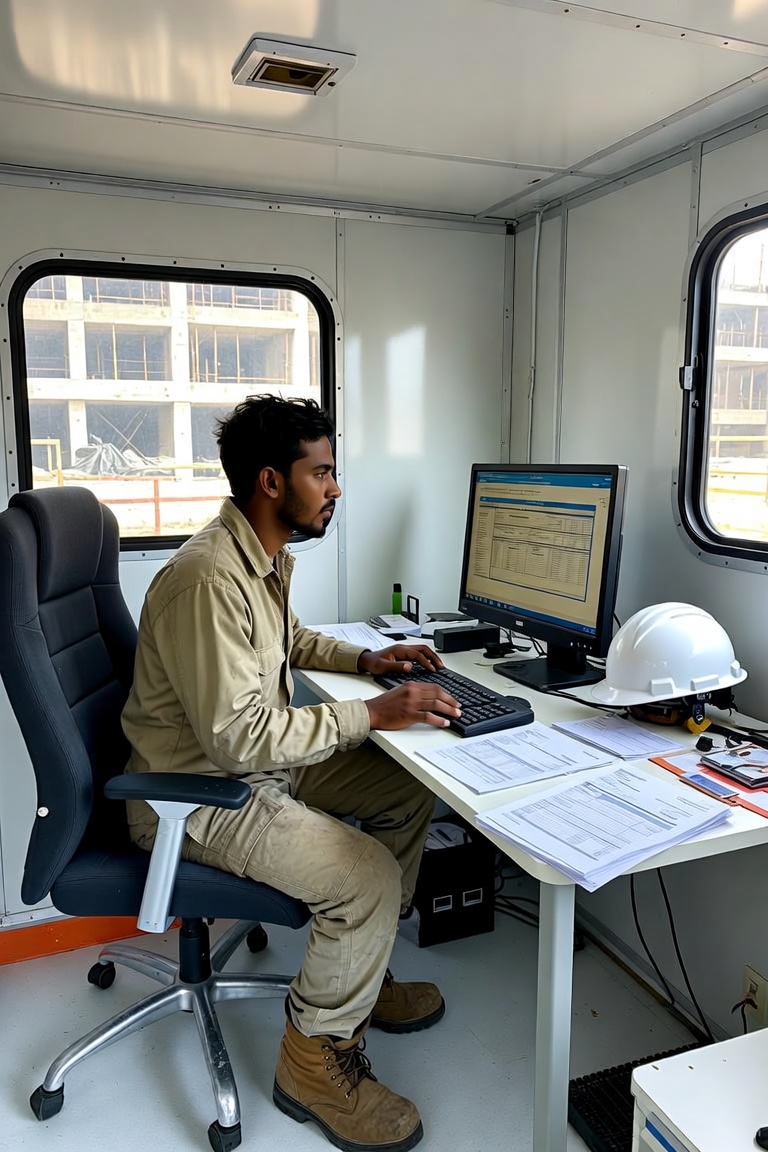
Most conversations about AI in construction and real estate start with the technology, when they should start with your operations. Clients ask us all the time what tools they should use, what we think of the latest models, and what platforms they should adopt. Those are good questions, but it's the wrong end to start from.
Start with the process your operations manager has been complaining about for years, or the task that lands on the desk of a project manager every week. These recurring, painful tasks are where AI makes the biggest noticeable impact. Here are five workflows that construction and real estate companies are automating today.
1. Invoice processing
- Who this is for: Real estate developers, general contractors, subcontractors
- Time saved: 5-10 hours per week for a company processing 100+ invoices/month
- ROI timeline: 6-10 weeks
Manual invoice processing is one of the most time-consuming activities a construction or real estate company does regularly. You receive an invoice, someone opens it, checks it against the PO or contract, routes it for approval, follows up when it stalls, codes it to the right job or property, checks against field slips, and enters it into the accounting system. With 200 invoices a month, that's a real chunk of someone's time.
The automated version: the invoice arrives by email, AI extracts the vendor, amount, line items, and PO, matches it against your records, flags discrepancies, routes it to the right approver, and logs the result. Your accounting team reviews exceptions or low confidence reads, not every invoice.
The ROI: manual invoice processing costs your team between a few minutes and half an hour per invoice, depending on approval routing. Automation handles the data entry, matching, and routing, leaving your team to review exceptions. For a developer processing 200 invoices per month, that's a few hours per week back for your accounting manager and VP of Construction. The more invoices moving through the business, the more time comes back.
What you need to get started: a single channel where invoices are received (email is ideal), access to your PO and contract data, and the approval chain you use for each project and invoice.
2. Meeting documentation
- Who this is for: General contractors, project managers, real estate development and asset management teams
- Time saved: 2-4 hours per week per PM or asset manager
- ROI timeline: 2-3 weeks
Every construction project runs on meetings. OAC meetings, subcontractor coordination calls, owner updates, site walks. After each one, someone is supposed to write up what was discussed, what was decided, and who owns what. In practice, that either doesn't happen, happens hours later from memory, or eats an hour of a project manager's time that should go to managing the project. Missing meeting notes can come back to bite you when the owner wants to know why a decision was made six months ago.
AI meeting documentation tools record the call, transcribe it, pull out action items and decisions, and produce a structured summary. The PM reviews it, fixes anything wrong, adds project context, and sends it. The whole thing takes 10-15 minutes instead of an hour, and the record is more complete because nothing gets left out. For real estate, the same applies to investor calls, asset reviews, and tenant meetings. Any recurring meeting where decisions and commitments need to be tracked is a candidate.
There's a second benefit that gets overlooked: with digital records of every meeting and decision, you can look back for patterns across your projects over time. What are the signs that issues are coming up before they get expensive? Who is jumping in to solve problems rather than just pointing them out? Also, when every meeting produces a clean account of what was decided, you have a paper trail for every decision.
What you need to get started: a way to record your calls. Most video conferencing tools already do this, or you can adopt a tool like Granola that works across all your meetings. The rest is setting up the automation to process the recordings and deliver the output to the right place.
3. RFI and project documentation drafting
- Who this is for: General contractors and subcontractors
- Time saved: 30-45 minutes per RFI or document
- ROI timeline: 4-6 weeks
RFIs are necessary and slow. A project manager spots an issue in the field, references the relevant drawings, writes the question, formats the document, logs it, and sends it. On a complex project with lots of RFIs, that eats up serious time.
AI doesn't replace the judgment to spot the issue. It handles the drafting. You describe the problem in plain language. AI pulls in the relevant context, formats it to your RFI template, suggests the drawing references from what you described, and produces a first draft. Your PM reviews, edits if needed, and submits. What took 45-60 minutes now takes 5-10.
The same applies to change orders, daily reports, submittal cover letters, and punch list documentation. Any structured document that follows a template and pulls from information you already have is a candidate.
What you need to get started: your existing RFI and report templates, a clear description of typical information provided, and which documents you want to start with. The cleaner your existing process, the better.
4. Lease and deal documentation (real estate)
- Who this is for: Real estate developers, operators, and investment firms
- Time saved: 1-3 hours per lease or transaction document
- ROI timeline: 4-8 weeks
Real estate runs on documents: lease abstracts, due diligence reports, offer memos, rent rolls, lender packages. Most of that work is structured, repetitive, and done by people who can handle more complex work if their time was freed up.
Lease abstraction is the clearest win. You have a 30-page lease and you need the key terms: rent, escalations, options, operating expense structure, critical dates, tenant obligations. By hand that takes 1-2 hours. AI does it in seconds, with the extracted data in whatever format you use downstream.
Due diligence summaries follow the same logic. You review the same categories of information on every deal. AI reads the documents, extracts and organizes the relevant data, conducts research, and flags anything unusual before a human reviews it. You read an organized summary that you can verify instead of starting from scratch.
What you need to get started: a defined output format, the documents in digital form, and a clear process you can explain to an analyst on their first week.
5. Quoting and estimating support
- Who this is for: General contractors and subcontractors
- Time saved: 2-4 hours per estimate on takeoffs and RFQs
- ROI timeline: 6-10 weeks
Estimating is one of the most time-consuming jobs at a construction company. From takeoffs to RFQs to bid leveling and your bidding strategy, estimating is full of areas where AI can help. The practical uses right now fall into three areas: takeoffs, RFQs, and strategy.
Domain-specific AI takeoff tools are saving contractors hours per bid, while still being able to verify and stand behind the numbers. Demo the best tools for your industry before deciding which one to adopt. AI can also help scope your project, find the best local subcontractors, send out RFQs, and level their bids. Take it step-by-step and design the system to do it your way, so you know it's done right every time.
You can also use AI to analyze your past bids and project results to show which projects and bidding approaches are most profitable for your firm. The insights you get can be used to improve bid performance and to be sure you're bidding on the best projects. The point is to keep your estimating team's time focused on judgment, not busywork.
What you need to get started: a structured history of past bids and results, your standard estimating template, and a clear picture of which part of the process takes the most time.
The common thread
Every workflow here shares a pattern. They happen on a predictable schedule, with similar inputs and outputs each time. AI works best on repetitive tasks that require attention and accuracy, but not creative problem-solving or deep contextual judgment.
You also don't need to roll out AI across all your teams to start. Bespoke agents can be built project by project, specific to how one job is set up, without every team running the same process. That's the best way to get started, especially for GCs who aren't ready to change how they operate company-wide but still want the time back on specific jobs.
Where to start if you're not sure
Ask your team what they do every week that they could do in their sleep or that they could assign to a new hire in their first week. That's the first candidate. Then ask what task, if it disappeared, would make the biggest impact on their week. That's usually the one to build first. Pick one task or workflow, build it properly, and see what the numbers look like after 60 days.
Talk to us about your first workflow →
Harmonic Intelligence is an AI adoption consultancy built for construction and real estate. We help companies become AI-native through strategy, custom agents, and team training. Learn more at harmonicintel.co.